Instagram Highlight Covers: How to Set Them and What Size to Use
Quick Answer
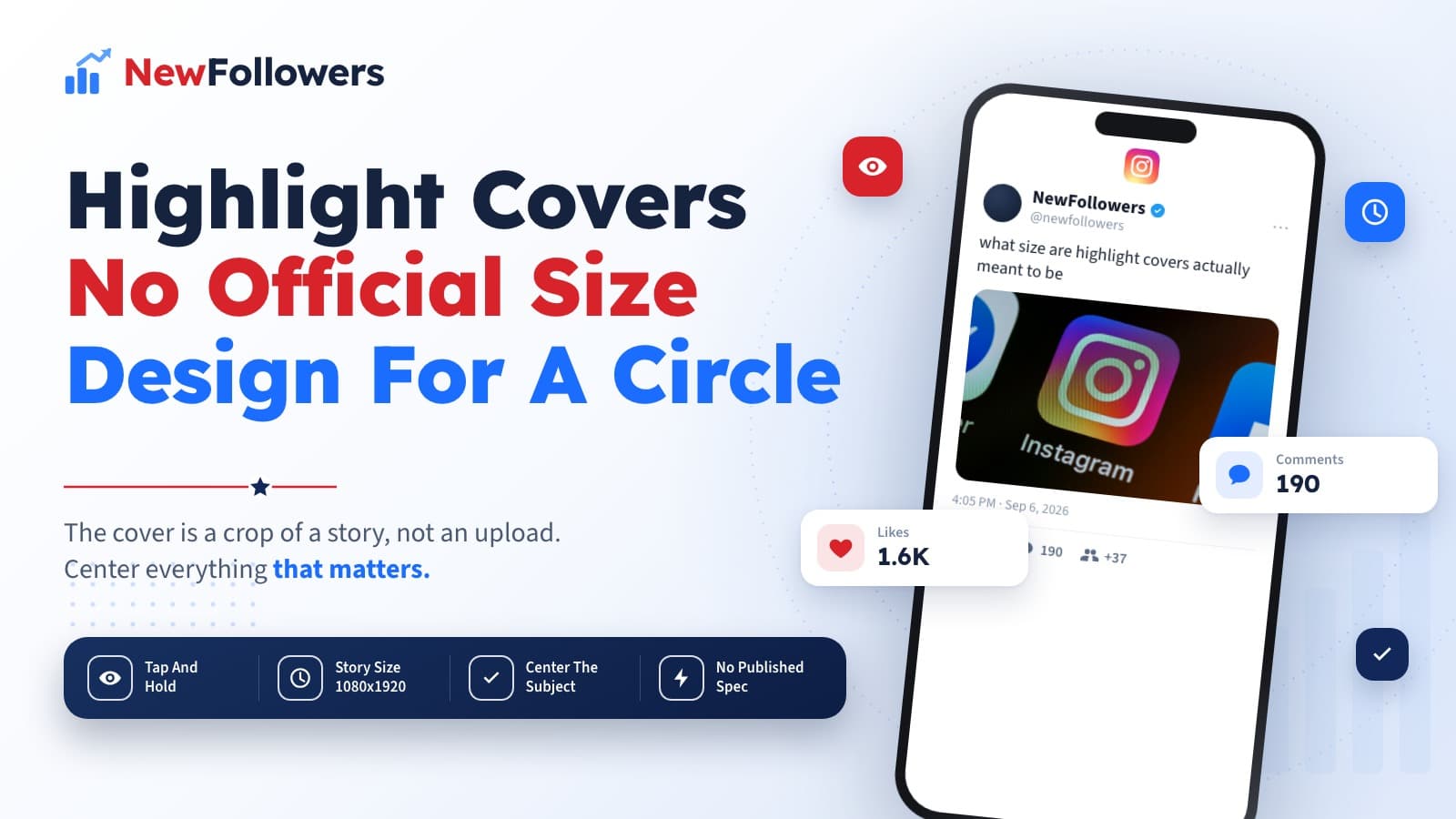
Highlight covers are changed from the highlight itself, not from a separate settings screen. Tap and hold a highlight below Edit Profile, then tap Edit Highlight, and the cover option is inside. Instagram publishes no pixel spec for the cover, only the aspect ratios it enforces elsewhere, so the practical rule is to design at the story size of 1080 x 1920 and keep the subject centered, because the cover is cropped to a small circle. Highlights themselves are created from the New button on your profile or by tapping More on a story and choosing Highlight, and stories stay in a highlight after the 24 hours are up.
Instagram highlight covers are the row of circles under your bio, and they do more work than their size suggests. They are the first structured thing a visitor sees, and the only part of a profile that explains what an account is about without anyone reading a word.
Two things make them frustrating: the cover option is not where people look for it, and there is no official size to design against.
Where the Cover Option Hides
Not in settings, and not on the highlight when you are viewing it.
Go to your profile. Find the highlight below Edit Profile. Tap and hold it, then tap Edit Highlight. The cover option lives inside that editor.
Instagram's help page for editing highlights documents that tap-and-hold as the way into both editing and deleting, which is the step most people never discover because nothing on the screen suggests holding.
What tap and hold gets you:
There Is No Official Cover Size
This is the part that sends people in circles, and the honest answer is short: Instagram does not publish one.
Instagram enforces aspect ratios rather than publishing pixel specifications, which is why our own image size checker says the same thing for feed posts. There is no documented highlight cover dimension because the cover is not a separate upload with its own spec. It is a crop of a story frame.
The practical consequence is more useful than a number would be. Design at the story size, 1080 x 1920, because that is what the cover is cut from, and then design for the crop.
Designing for a Circle, Not a Rectangle
What survives the crop and what does not.
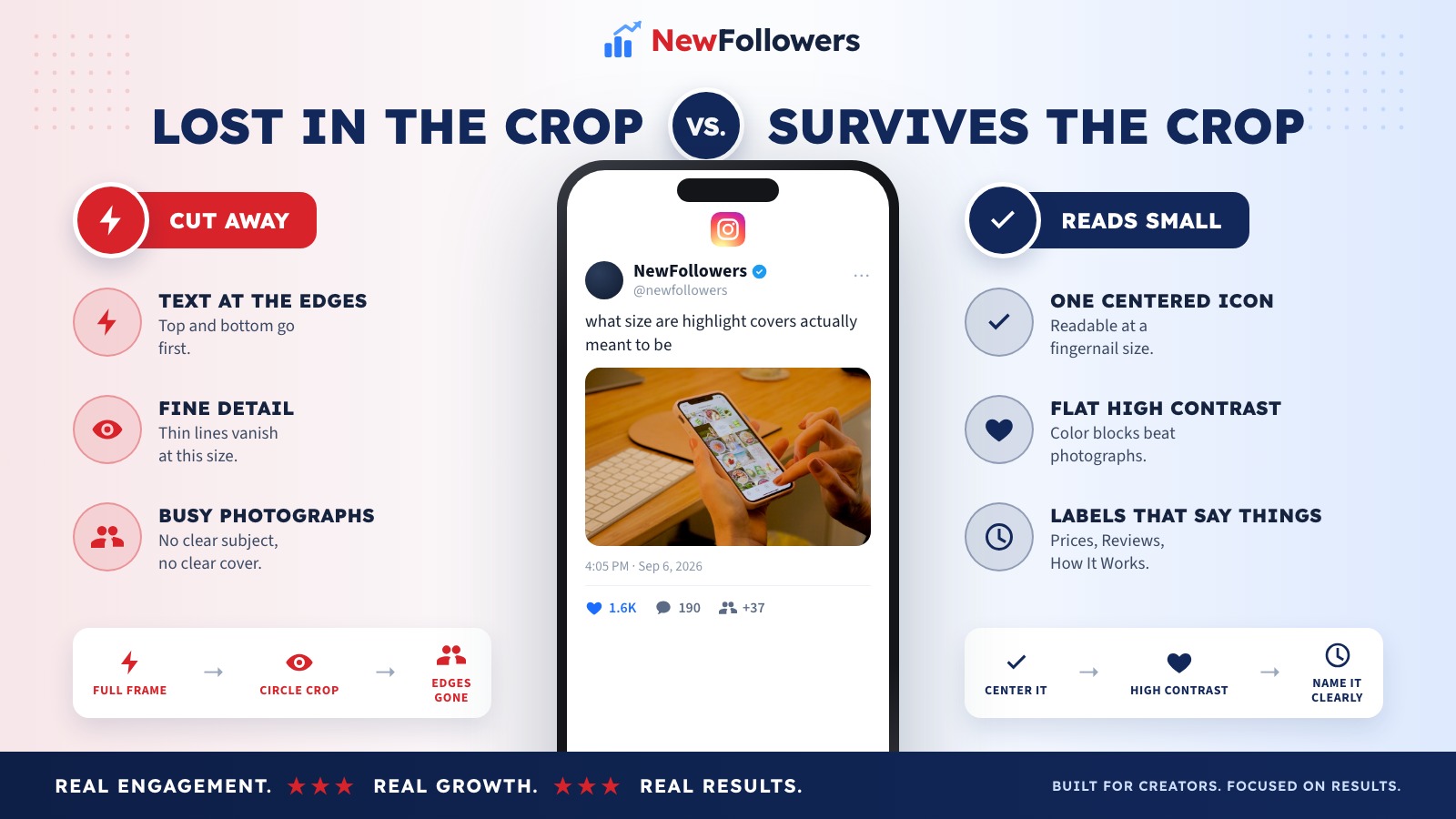
Survives the crop
Does not survive
The circle is small, and it is displayed at roughly the size of a fingertip. That constraint decides everything else. If a cover has to be zoomed to be understood, it is not doing its job.
Creating and Filling Highlights
The rest of the mechanics, since the cover is only useful once there is a highlight under it.
Create a new one. Go to your profile and tap New.
Add a story to an existing one. Tap your profile picture in the top left to open your story, tap More in the bottom right, tap Highlight, then choose which highlight to add it to.
Add older stories at any time. Instagram states you can tap and hold a highlight, then tap Edit highlight, and add more.
The point of the whole feature is in Instagram's own phrasing: stories appear on your profile as highlights even after they disappear. The 24-hour limit stops applying.
Removing Things
Three different operations that people conflate.
Delete a whole highlight. Profile, find it below Edit Profile, tap and hold, tap Delete Highlight, then Delete to confirm.
Remove one story from a highlight. Open the highlight, find the story, tap More in the bottom right, tap Remove from Highlight, confirm.
Delete several at once. Profile, Menu in the top right, under How you use Instagram tap Your activity, under Content you shared tap Highlights, then Select.
That last route is worth knowing if you inherited an account with thirty highlights and want most of them gone.
What Highlights Are Actually For
Worth stating, because the design effort usually outruns the strategy.
A visitor arriving from a Reel knows nothing about the account. The bio gives them one line. The highlights give them a menu. If those circles say Reviews, Prices, Before and After, and FAQ, the account has explained itself before anyone scrolls.
If they say a set of aesthetically matched icons with no labels, they have decorated the profile without telling anyone anything. That is the most common mistake in this whole topic, and no cover design fixes it because the problem is the naming, not the artwork.
Name them for what someone wants to know
Prices. Delivery. Reviews. How it works. The words people would search for if your profile had a search bar.
Put the most useful one first
Highlights read left to right and most people never scroll them sideways.
Keep the set small
Four to six that get used beats twelve that were made once.
Make the covers consistent
The same background color and the same icon style, so the row reads as one thing rather than a collection.
Update the ones that go stale
A Summer Sale highlight in November tells a visitor the account is not maintained.
Why There Is No Published Cover Size
Worth understanding, because it stops the search for a number that does not exist.
Instagram specifies aspect ratios and lets the pixel dimensions follow from them. A feed post has to be 1:1, 4:5 or 1.91:1; Instagram does not publish a required pixel size for any of them, and 1080 pixels wide is simply the widest it renders. The same logic runs through the rest of the app.
A highlight cover is one step further removed, because it is not an upload at all. It is a crop taken from a story frame you already have. There is nothing to publish a spec for: the story is 1080 x 1920, and the cover is a circle cut out of it.
Every "official highlight cover size" circulating online is somebody's measurement of the rendered circle, not a figure from Instagram. Those measurements change whenever the app's layout does, which is why they disagree with each other.
Why Consider NewFollowers?
The only section here selling anything.
Highlights are conversion work. They exist to turn a visitor into a follower, and everything above is about making that decision easier. The other half of that decision is the follower count sitting directly above the circles, which is the narrow case NewFollowers exists for.
Orders take a username, never a password. Delivery is spread over time rather than arriving in one block, prices are shown before checkout on the Instagram page, and losses are covered for 30 days.
What it does not do is give anyone a reason to stay, which is the job the highlights are doing. Buying followers also breaks Meta's Spam policy, which prohibits buying, selling and exchanging engagement. A well-organized set of highlights costs nothing and works on every visitor.
Common Mistakes
Looking for the cover option in settings
It is inside Edit Highlight, reached by tapping and holding the highlight.
Hunting for an official cover size
Instagram does not publish one. Design at the story size and center the subject.
Putting text at the edges
The circular crop removes it. Center or lose it.
Using unlabeled icons only
A pretty row that explains nothing is decoration, not navigation.
Making twelve highlights
Most are never opened. A small set that gets used is worth more.
Leaving seasonal highlights up
An out-of-date highlight reads as an abandoned account.
Final Thoughts
The cover option is behind a tap and hold on the highlight, then Edit Highlight. There is no published cover dimension because the cover is a crop of a story frame, so design at 1080 x 1920 and keep everything important in the middle, where the circle will not cut it off.
Beyond the mechanics, the covers matter less than the labels. A visitor who lands on a profile and sees Prices, Reviews and How It Works understands the account immediately. One who sees six matched pastel icons has seen a nicely decorated profile and learned nothing. If people are reaching that profile from a printed code, the Instagram QR code is the step before this one.
Frequently Asked Questions
How do I change an Instagram highlight cover?
From the highlight itself. Go to your profile, find the highlight below Edit Profile, tap and hold it, then tap Edit Highlight. The cover option sits inside that editor rather than on a separate screen, which is why it is hard to find.
What size should an Instagram highlight cover be?
Instagram does not publish one. It enforces aspect ratios rather than pixel specs, so there is no official cover dimension to look up. Designing at the story size of 1080 x 1920 works because the cover is taken from a story frame, and the important part is centering the subject.
Why does my highlight cover look cropped?
Because it is. The cover renders as a small circle on your profile, so anything near the edges of the frame is cut away. Text placed at the top or bottom of a story image almost always disappears.
How do I create a new highlight?
Go to your profile and tap New. You can also add a story to an existing highlight by tapping your profile picture at the top left to open your story, tapping More at the bottom right, then tapping Highlight and choosing which one.
Can I add old stories to a highlight?
Yes. Instagram states you can add stories to a highlight at any time by tapping and holding the highlight and then tapping Edit highlight. Stories stay visible in a highlight after the 24 hours have passed.
How do I delete a highlight?
Go to your profile, find the highlight below Edit Profile, tap and hold, then tap Delete Highlight and confirm with Delete.
How do I remove one story from a highlight?
Open the highlight, find the story, tap More at the bottom right, then tap Remove from Highlight and confirm.
Can I delete several highlights at once?
Yes. From your profile tap Menu in the top right, then under How you use Instagram tap Your activity, then under Content you shared tap Highlights, then tap Select.
Do highlight covers affect reach?
No. They are profile decoration and no platform ranks content on them. What they affect is whether a visitor understands the account quickly enough to follow it, which is a different and more immediate thing.
Do I need an app to make covers?
Not necessarily. Any image you can save to your phone can become a story frame and therefore a cover. The design apps sold for this are convenience, not a requirement.
Ready to Grow Your Social Media?
Real followers, instant delivery, 30-day refill guarantee. Pick your platform: