Instagram QR Code: Where It Hides and How to Customize It
Quick Answer
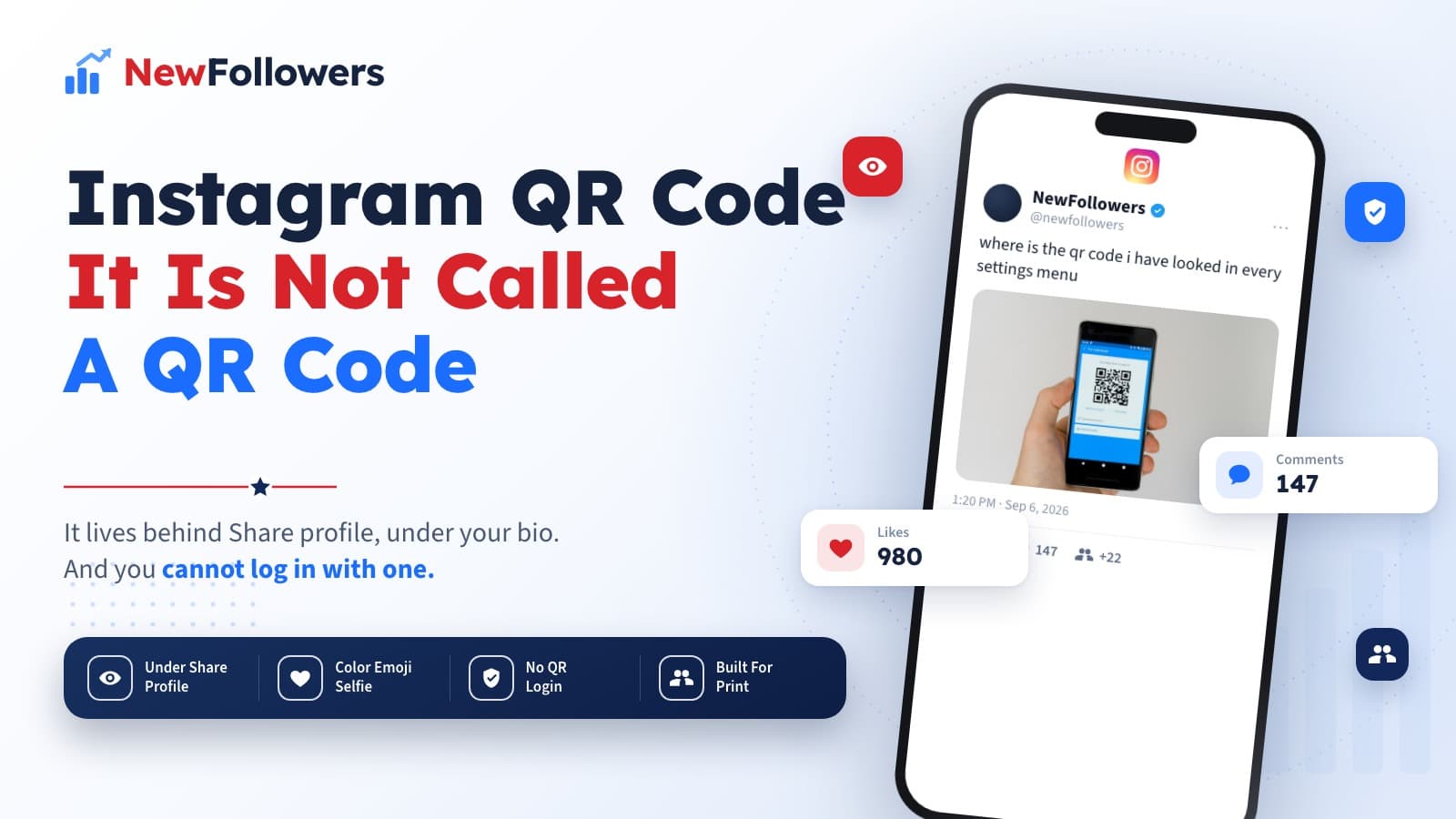
Instagram has no menu item called QR code, which is why it is hard to find. It lives behind Share profile: tap Profile in the bottom right, then tap Share profile below your bio. Touch anywhere on the screen or tap the button at the top to customize it three ways, Color to switch between colors, Emoji to pick an emoji design, and Selfie to take a photo and use selfie stickers. Anyone can scan it from their camera to open your profile. One safety note Instagram states directly: you cannot log in to Instagram with a QR code, so any code claiming to log you in is a phishing attempt.
Searching for an Instagram account QR code is one of those tasks that feels harder than it should be, and the reason is a naming decision rather than anything hidden.
There is no QR code entry in the menu. There is a Share profile button, and the QR code is what it opens.
Where It Actually Lives
Two taps, once you know where to look.
Tap Profile, or your profile picture, in the bottom right. Then tap Share profile, directly below your bio.
That is the code. Instagram's own help page describes this as managing your profile QR code, but the button that gets you there says nothing about QR codes at all.
Why people cannot find it:
The Three Customization Options
Once the code is on screen, touch anywhere or tap the button at the top to change how it looks. Instagram offers exactly three.
Color. Switches between different background colors. The plainest option and the one that survives printing best.
Emoji. Choose an emoji design, which tiles behind the code.
Selfie. Take a photo and try on different selfie stickers, putting your face behind the code.
The code scans identically in all three. The decoration surrounds it rather than altering it, so pick on legibility for wherever the code is going to live.
Where the QR Code Is and What It Is Not
The two things people confuse, side by side.
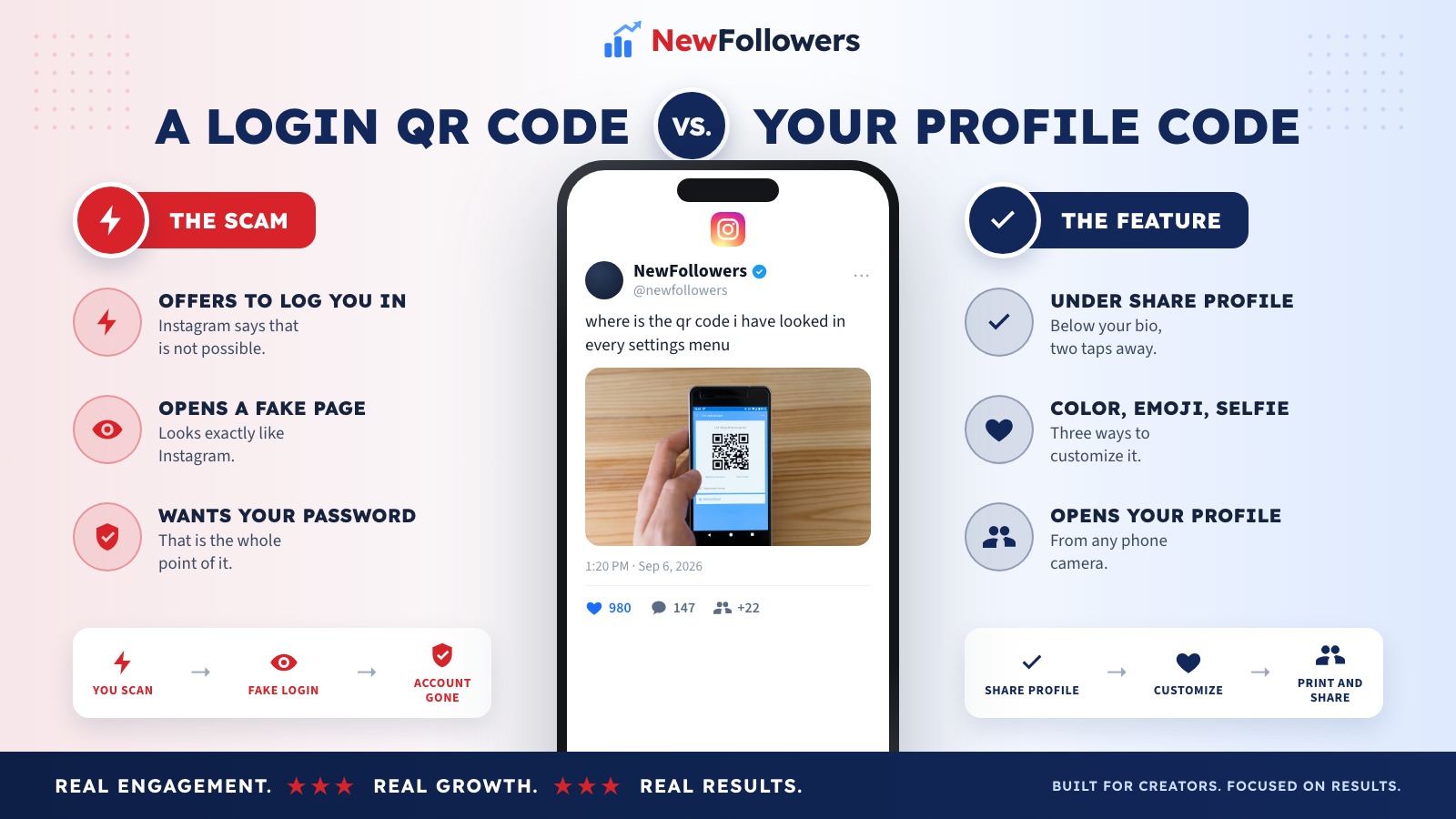
Your profile QR code
A QR code that claims to log you in
The left column is a feature. The right column is a scam, common enough that Instagram puts the warning at the top of its own help page.
The Login Warning Is Worth Repeating
Instagram opens its QR code documentation with a note: you cannot log in to Instagram with a QR code.
That is unusual placement for a help article, and it is there because QR phishing works. A code on a poster, in a DM, or in an email that promises to log you in, verify your account, or restore access opens a page that looks like Instagram and collects your password.
There is no version of this that is real. Every legitimate Instagram login happens in the app or on instagram.com, typed by you. If a code claims otherwise, the code is the attack.
How Scanning Works
From the other side, it is simpler still.
Point a phone camera at the code and a notification appears to open the profile. Instagram also publishes a separate help article for scanning a code from inside the app, which is useful when the code is on a screen you are already holding.
Nothing is installed, nothing is authorized, and the person scanning does not need to be logged in to see a public profile.
Where a QR Code Earns Its Place
Online, a QR code is almost pointless, because a link is faster and clickable. Its value is entirely physical.
On something people are standing in front of
A menu, a shop window, a market stall, a gym noticeboard. Anywhere the alternative is someone squinting at a handle and typing it wrong.
On print you hand over
Business cards, flyers, packaging inserts, event badges. The code survives the handover in a way a spoken username does not.
On a screen behind you
At a talk, a market stall or a pop-up, a code on a slide or a printed sign collects follows from people who would otherwise mean to look you up later and never do.
On product packaging
The moment someone has your product in their hands is the highest-intent moment you get, and it is the one where no link exists.
Not in a bio or a caption
Both places already support tappable links. A code there is a picture of a worse link.
The Group Chat Code Is a Different Code
A distinction that catches people who find the wrong one.
Instagram publishes a separate help article for inviting people to a group chat with a QR code. That code opens a chat, not your profile, and it is generated from inside the chat rather than from Share profile.
If you scanned something expecting a profile and landed in a group conversation, that is which code it was. The two look identical and do entirely different things.
Why Consider NewFollowers?
The only section here selling anything.
A QR code solves the last step of the introduction. Someone scans, lands on your profile, and decides in about five seconds. The follower count is part of that decision, which is the narrow case NewFollowers exists for.
Orders are placed with a username, never a password, which is worth noting on a page about QR phishing: no legitimate growth service needs your login. Delivery is spread over time rather than arriving at once, prices are shown before checkout on the Instagram page, and losses are covered for 30 days.
What a purchased follower will not do is scan your code, walk into your shop, or buy anything. Buying followers also breaks Meta's Spam policy, which prohibits buying, selling and exchanging engagement. The QR code is the part of this page that actually brings people in.
Common Mistakes
Looking for a menu item called QR code
There is not one. It is Share profile, below the bio.
Scanning a code that offers to log you in
Instagram states this is not possible. The page it opens exists to take your password.
Choosing decoration over legibility
The Selfie and Emoji designs look better on a phone than on a printed sign at two meters. Color prints most reliably.
Putting a QR code in your bio
Bio links are already tappable. A code there is strictly worse than the link it encodes.
Assuming a username change breaks it
The code resolves to the account, not the handle text.
Confusing it with the group chat code
That is a separate feature with its own help article and its own code.
Final Thoughts
The Instagram account QR code is not hidden so much as badly signposted. It is behind Share profile, below your bio, and it customizes three ways: Color, Emoji, Selfie.
The one thing worth carrying away beyond the location is Instagram's own warning. You cannot log in to Instagram with a QR code, so any code that offers to is phishing, and it works often enough that Instagram leads its documentation with it.
Beyond that, the code earns its place anywhere people are physically in front of you and typing a username is the thing standing in the way. For the rest of the profile a visitor sees after scanning, the highlight covers under your bio are doing the explaining.
Frequently Asked Questions
Where is the QR code on Instagram?
Behind Share profile, not under anything labeled QR code. Tap Profile or your profile picture in the bottom right, then tap Share profile below your bio. The naming is why most people cannot find it.
How do I customize my Instagram QR code?
On the QR code screen, touch anywhere or tap the button at the top. Instagram gives three options: Color to switch between different colors, Emoji to choose an emoji design, and Selfie to take a photo and try on different selfie stickers.
How do I scan someone's Instagram QR code?
Point your phone camera at it, or use the scanner inside Instagram. Instagram publishes a separate help article for scanning a QR code to find someone's profile.
Can I log into Instagram with a QR code?
No. Instagram states plainly that you cannot log in to Instagram with a QR code. Any code, poster or message claiming it will log you in is a phishing attempt, and the page it opens is designed to capture your password.
Do Instagram QR codes expire?
The profile code points at your profile rather than carrying a session, so it keeps working as long as the account exists. Changing your username does not break it either, because it resolves to the account and not the handle text.
What happened to Nametags?
Instagram folded that feature into the profile QR code. The customization options that used to sit under Nametags are the same Color, Emoji and Selfie choices now offered on the QR screen.
Can I print my Instagram QR code?
Yes, and it is the main reason to use one. Save or screenshot the code and put it on a menu, a shop window, a business card or a stall sign. Scanning is the only realistic way someone types nothing and still lands on your profile.
Is there a QR code for group chats?
Yes, and it is separate. Instagram publishes its own help article for inviting people to a group chat with a QR code, which is a different code from your profile one.
Does a QR code work if my account is private?
The code still opens your profile, but a private account shows the same limited view any non-follower sees. They can send a follow request from there.
Does anyone actually scan these?
In person, yes, which is the whole point. A QR code is worth having wherever people are physically in front of you and typing a username is friction. Online it is close to useless, because a link is faster.
Ready to Grow Your Social Media?
Real followers, instant delivery, 30-day refill guarantee. Pick your platform: