How to Repost a Story on Instagram (And When You Cannot)
Quick Answer
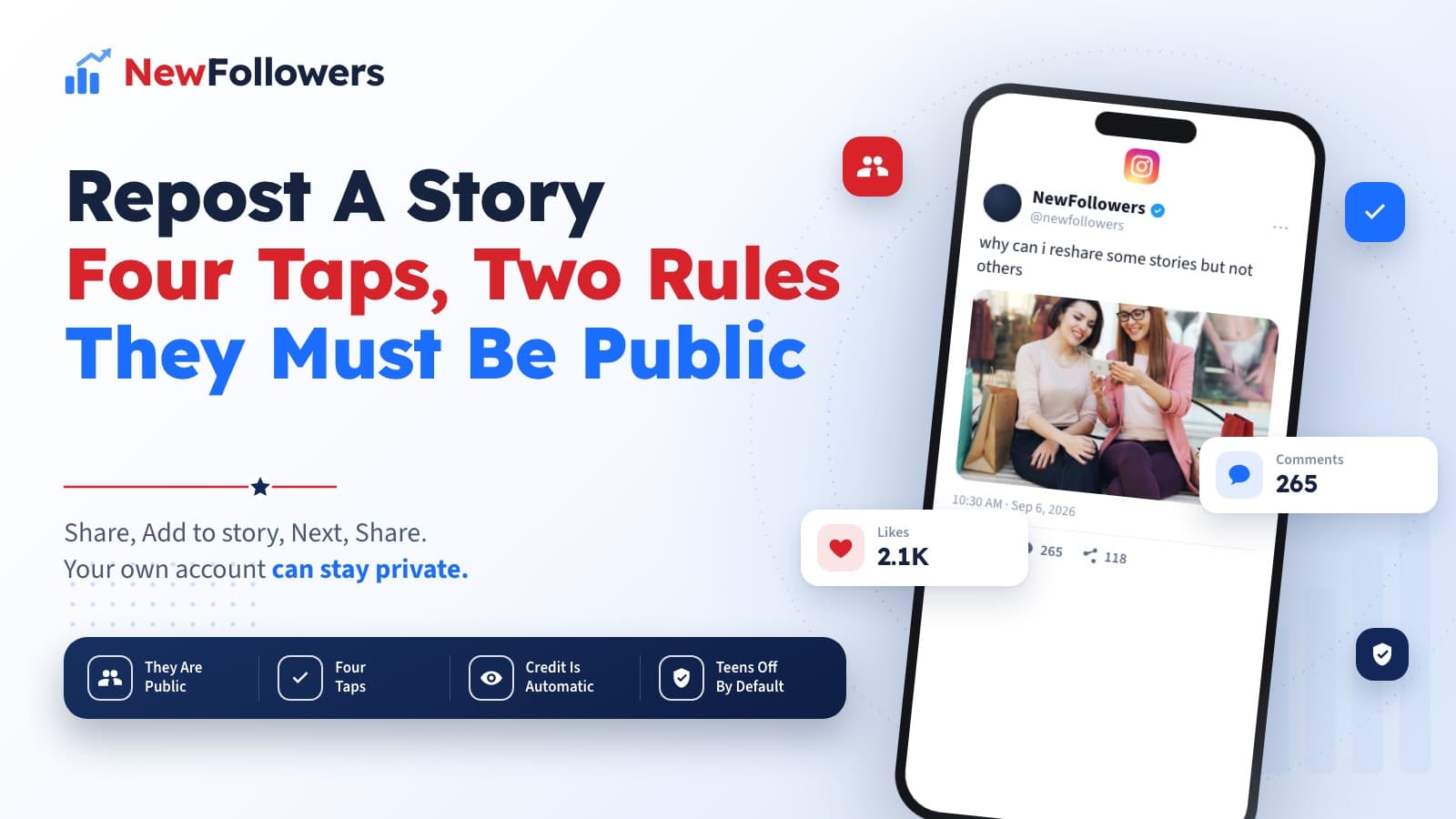
Resharing someone's story to your own works only if their account is public, and it works whether your own account is public or private. Tap Share at the bottom right of their story, tap Add to story, tap Next, then tap Share. Resharing a feed post is a separate flow with a stricter condition: the account must be public and must have allowed resharing, and Instagram states the feature is not available to everyone. Anyone who views your reshare can see who originally posted it. You control your own side under Settings, Sharing and reuse, Stories to stories, with three options: Everyone, Followers you follow back, or Off. All teen accounts have story-to-story sharing off by default.
How to repost a story on Instagram has a short answer and a long footnote. The taps take about three seconds. The reason the option is sometimes missing is where all the confusion lives, and Instagram documents it in two separate places because there are two separate features.
Two Features, Not One
Worth separating before any steps, because the conditions differ.
Resharing a story means taking someone's active story and putting it in yours. Condition: their account is public.
Resharing a feed post means taking a post from Feed into your story. Conditions: their account is public and they have allowed resharing, and Instagram adds that the feature is not available to everyone.
The second is stricter, which is why people who successfully reshare stories all day sometimes find the option missing on a post.
What blocks a reshare:
Resharing Someone's Story
The flow people search for, from Instagram's own documentation.
Tap Share at the bottom right of the story you want. Tap Add to story. Tap Next at the bottom right. Tap Share.
Instagram states the public-account requirement applies to their account, not yours: you can do this regardless of whether you have a public or private account.
Resharing a Feed Post
Different entry point, same destination.
Tap Share below the photo or video in Feed. Tap Add to story. Tap Next. Tap Share.
The condition worth remembering is the one Instagram states plainly: you can only do this if their account is public and they have allowed resharing of their posts. On top of that, sharing posts from Feed to Stories is not available to everyone, so the absence of the option is not always something you or they can fix.
What Each Flow Requires
The two features and the conditions attached to each.
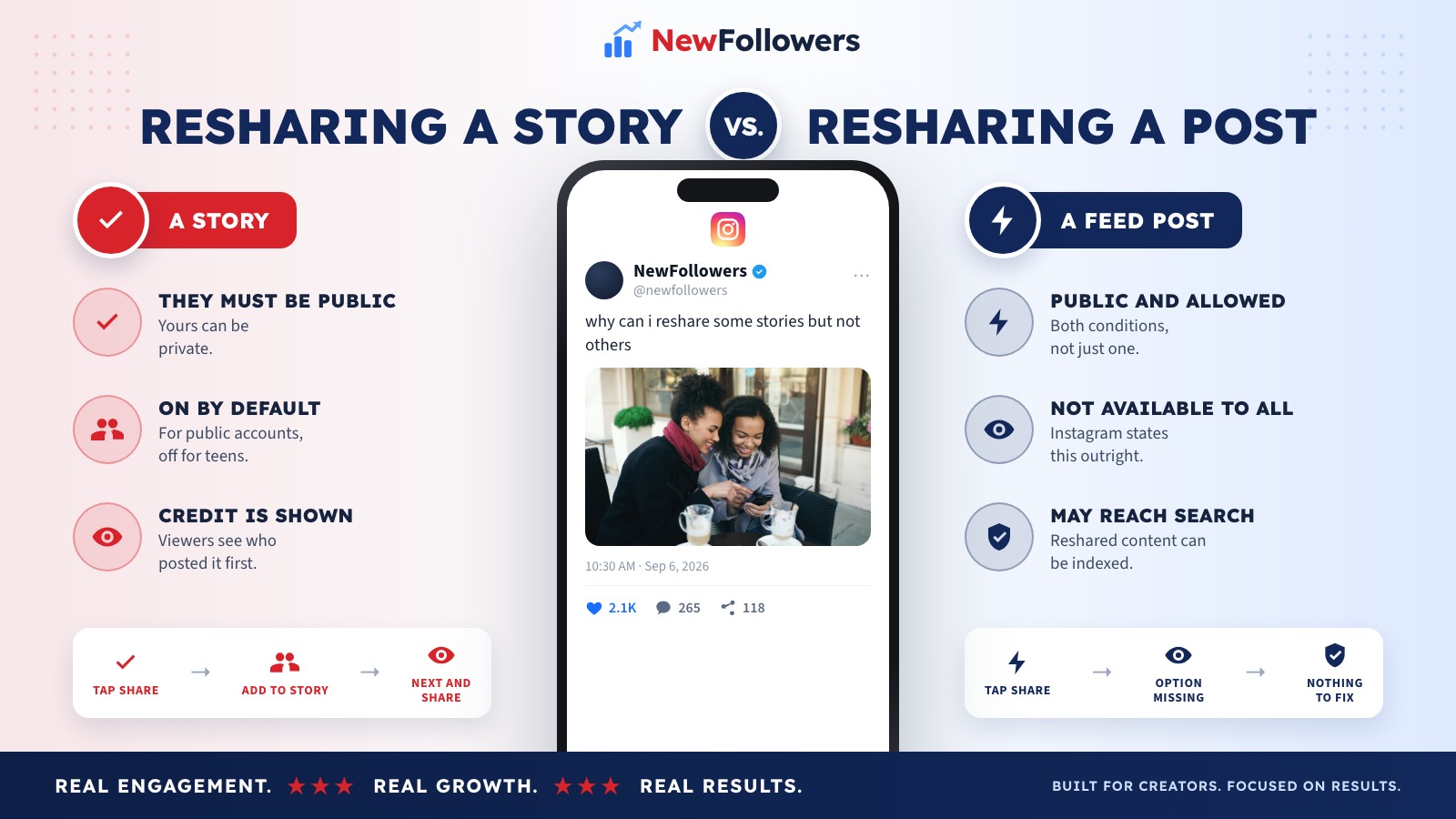
Resharing a story
Resharing a feed post
Both end in your story. Neither puts anything in your feed, because Instagram has no native flow that does.
Attribution Is Automatic and One-Directional
Two facts that pull in opposite directions, and both are Instagram's own.
When you reshare, anyone who views it can see who originally posted it and can open the original account. That is the whole social contract of the feature, and it is why resharing is a favor rather than a borrowing.
But the person being reshared does not get the same visibility. Instagram states you will not be able to see who has reshared your reel, or where they shared it to, regardless of whether your account is private or public.
So credit flows outward automatically, and information about who is crediting you does not flow back.
Controlling Your Own Side
The settings most people never open, and the one with a consequence attached.
Go to Settings, then Sharing and reuse, then Stories to stories. Three options:
Everyone. The default for public accounts.
Followers you follow back. A middle setting that limits resharing to people you have a mutual relationship with.
Off. Nobody can reshare your stories.
The consequence worth reading before leaving it open: Instagram states that when you allow others, including professional accounts, to remix or reshare your content, your remixed or reshared content may be indexed and displayed in search engine results. That is a bigger decision on a personal account than the setting's placement suggests.
And on teen accounts, Instagram states story-to-story sharing is turned off by default.
Using Reshares Deliberately
The reason creators care about this beyond the mechanics.
Reshare people you want to hear from
A reshare notifies them and credits them publicly. It is the cheapest way to start a relationship with an account your size.
Ask before assuming
The public-account rule is a technical permission, not a social one. A quick message before resharing someone's work costs nothing and changes how it lands.
Add something when you reshare
A reshare with a sticker, a reaction or a line of context is content. A bare reshare is a repost.
Watch what gets reshared back
You will not see reel reshares, but story replies and mentions still arrive. Those are the accounts worth paying attention to.
Do not build a feed out of other people's posts
There is no native way to do it, which is a signal. Accounts that do it with third-party tools tend to look like aggregators, and aggregators are hard to follow.
Why Consider NewFollowers?
The only section here selling anything.
Reshares are borrowed reach: someone else's audience sees your work because they chose to pass it on. That is the mechanism worth building for, and it is earned rather than bought.
Where NewFollowers fits is narrower. If the account looks too small for anyone to reshare in the first place, the follower count above your bio is part of that judgment. Orders take a username, never a password, delivery is spread over time, prices are shown before checkout on the Instagram page, and losses are covered for 30 days.
There is also a paid version of this specific mechanic on the Instagram reposts page. Worth being straight about what that is and is not: purchased reposts add the action, not the audience behind it, and buying engagement breaks Meta's Spam policy either way. A reshare from someone who actually likes your work is a different thing entirely.
Common Mistakes
Assuming a missing option is a bug
It usually means their account is private, or resharing is off, or the feature is not available to that account.
Thinking your own privacy setting blocks you
For stories, only their account type matters. Yours can be private.
Expecting to see who reshared your reel
Instagram states you cannot, on either account type.
Leaving resharing wide open without reading the note
Reshared content may be indexed and shown in search engine results.
Trying to repost into your feed
Instagram supports no native flow for it. Everything that claims to is a third-party app or a screenshot.
Resharing without adding anything
The reshare that gets a reply is the one with a reaction or a line of context on it.
Final Thoughts
The steps are the same four taps in both flows: Share, Add to story, Next, Share. What differs is the permission underneath. A story reshare needs their account to be public. A feed post reshare needs that plus resharing allowed, and Instagram says outright that the feature is not available to everyone.
Your own side is under Settings, Sharing and reuse, Stories to stories, with Everyone, Followers you follow back, or Off. Before leaving it on Everyone, note Instagram's own warning that reshared content may end up indexed in search engine results.
If the profile people land on after a reshare needs tidying, the highlight covers are what explain the account in one row.
Attribution takes care of itself in one direction. Anyone who sees your reshare can see whose work it was, and the person you reshared will not necessarily know you did it.
Frequently Asked Questions
How do I repost someone's story?
Tap Share at the bottom right of their story, tap Add to story, tap Next at the bottom right, then tap Share. It works only if their account is public.
Why can I not reshare a story?
Most likely their account is private. Instagram states you can only share someone's story to your story if their account is public, and that applies regardless of whether your own account is public or private. They may also have turned resharing off in their settings.
How do I repost someone's feed post to my story?
Tap Share below the photo or video in Feed, tap Add to story, tap Next, then tap Share. This is a separate flow from resharing a story and has stricter conditions.
Why can I not share a feed post to my story?
Instagram requires the account to be public and to have allowed resharing of their posts, and states outright that sharing posts from Feed to Stories is not available to everyone. So the option can be missing even when the account is public.
Can people see that I reposted them?
Anyone viewing your reshare can see who originally posted it and can open the original account. For reels specifically, Instagram states you will not be able to see who has reshared your reel or where they shared it, whether your account is private or public.
How do I stop people resharing my stories?
Go to Settings, then Sharing and reuse, then Stories to stories. The three options are Everyone, Followers you follow back, and Off. Public accounts are set to allow anyone to reshare by default.
Do teen accounts allow resharing?
Not by default. Instagram states all teen accounts have story-to-story sharing turned off by default.
Does resharing affect search engines?
It can. Instagram states that when you allow others to remix or reshare your content, the remixed or reshared content may be indexed and displayed in search engine results. That is worth knowing before leaving resharing open on a personal account.
Is reposting the same as regramming?
Regram is an older community term from before Instagram had any native resharing. What exists now is sharing to your story, which always credits the original account. There is still no built-in way to repost someone's post into your own feed.
Can I repost to my feed instead of my story?
Not natively. Instagram's resharing flows all target Stories. Anything that puts someone else's post in your own grid is a third-party app or a screenshot, and neither carries the automatic attribution the story reshare does.
Ready to Grow Your Social Media?
Real followers, instant delivery, 30-day refill guarantee. Pick your platform: