How to Hide Followers on Instagram (And Why Going Private Does Not)
Quick Answer
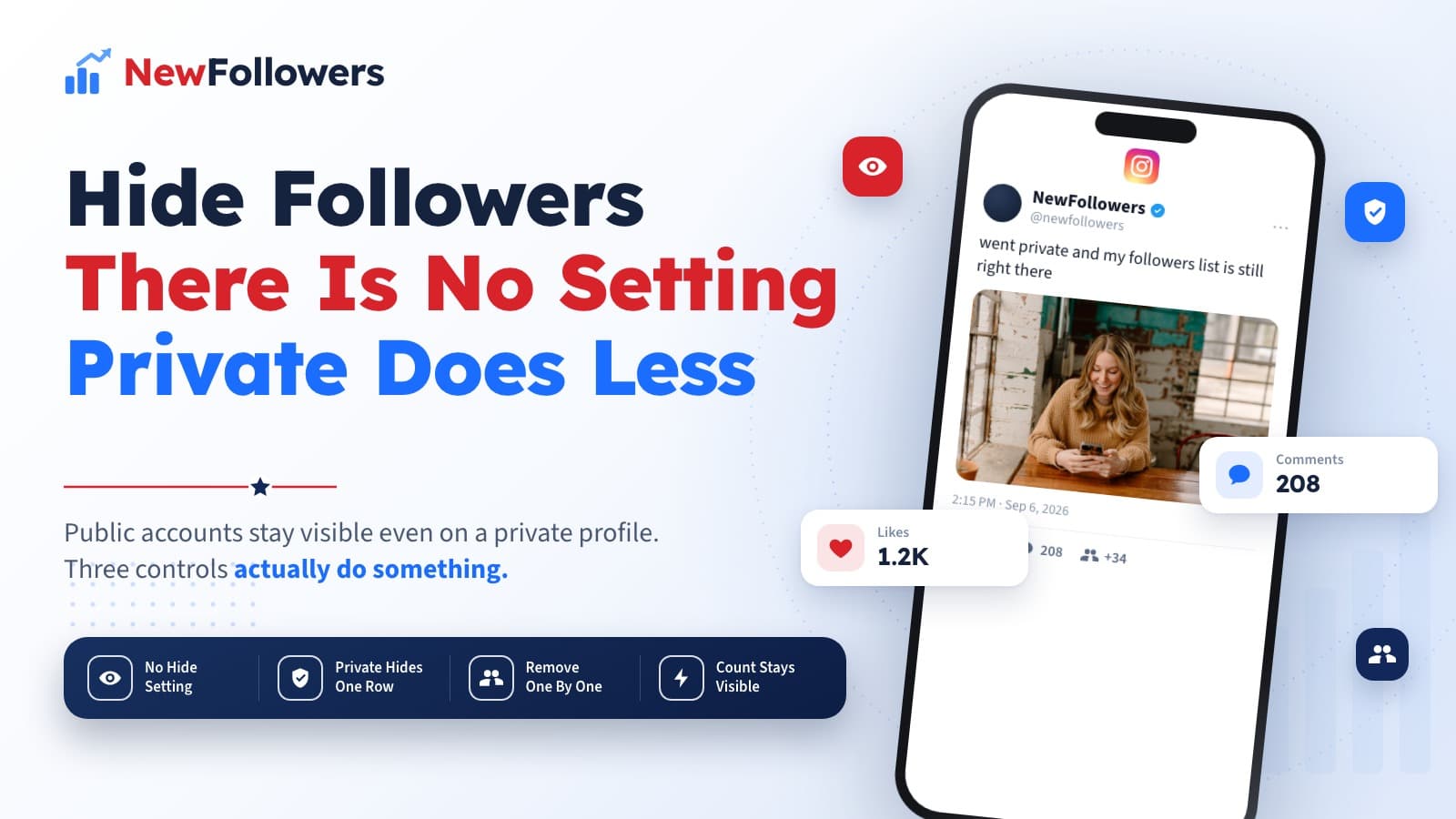
Instagram has no setting that hides your followers list. Going private does not do it either: Instagram's own comparison table says that on a private account, anyone on Instagram and Threads can still see the public accounts that follow you and the public accounts you follow. Private only restricts the private accounts in those lists, which become visible to your followers only. Your follower count sits in your profile information, which Instagram lists as visible to anyone on or off Instagram for both account types. The three that work are removing followers one at a time (private accounts only), blocking, and switching to a personal account first if you run a business profile.
How to hide followers on Instagram is one of those searches where nearly every result gets the answer wrong in the same way. The standard advice is to make your account private. That does something, but not the thing people are asking for, and Instagram's own documentation says so plainly.
This is what the Help Center actually specifies, which controls exist, and what stays visible no matter what you do.
There Is No Hide-Followers Setting
Start with the absence, because it explains everything else.
Search Instagram's Help Center for hiding a followers list and the results are: removing a follower, managing your followers, blocking someone, making your account private. There is no article describing a control that hides the list, because there is no such control.
Compare that with like counts. Instagram publishes a Help Center article on hiding and unhiding like counts on posts and reels, because that setting exists. When a feature is real, it is documented. The gap is the answer.
What the Help Center does document:
Five controls, none of which hides the list.
What Private Actually Changes
This is the part almost every guide gets wrong, and Instagram states it in a table anyone can read.
In the public versus private comparison, one row asks who can see the public accounts you follow and the public accounts that follow you. The answer for a public account is anyone on Instagram and Threads. The answer for a private account is also anyone on Instagram and Threads.
The next row asks who can see the private accounts in those same lists. For a public account: anyone on Instagram. For a private account: your followers.
So going private changes one row out of two. The private accounts in your lists get restricted. The public ones stay visible to anyone, on Instagram and on Threads, exactly as before.
If the reason you want to hide the list is that a specific public account follows you and you would rather nobody knew, going private does not solve it.
What Private Hides and What It Does Not
The same table, arranged the way people actually ask about it.
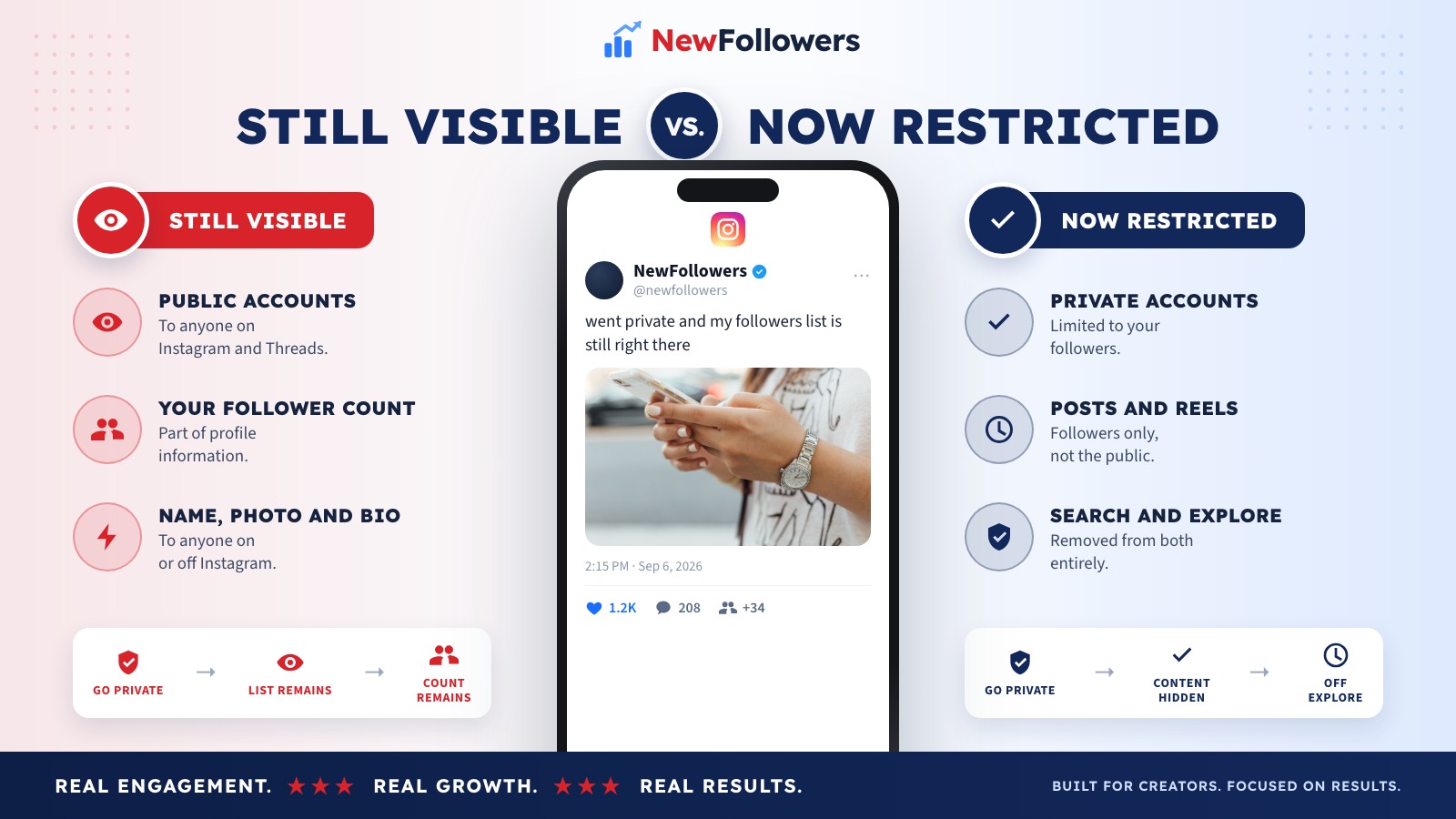
Still visible after going private
Restricted after going private
The right-hand column is a real privacy change. It just is not the column with the followers list in it.
The Three Controls That Do Work
Ranked by how much they change.
Switch to private. Restricts the private accounts in your lists and takes your content out of Explore, search and hashtag pages entirely. The strongest single change available, and it does not hide the public half of your follower list.
Remove followers individually. Instagram allows this only if your account is set to private. Go to your profile, tap Followers, tap Remove beside the person, confirm. Instagram states they are not notified.
Block. Removes the follow and prevents it returning. Instagram states people are not notified when you block them.
That is the complete set. Anything else you read about is either one of these three described differently, or it does not exist.
The Business Account Trap
Worth its own section because it catches people mid-attempt.
Instagram states that business profiles cannot be made private, and that you have to switch back to a personal account first if you want to. Since removing a follower requires a private account, a business profile has neither option available.
The sequence, if you need it, is: switch the profile from business to personal, set it to private, then remove whoever you wanted removed. Whether that trade is worth losing the professional account features is a separate question, and for most businesses it is not.
Your Follower Count Is Not Private Either
A distinction people miss when they go private and assume the number went with it.
Instagram's table lists your profile information, specifically including the profile photo, name, username and bio, as visible to anyone on or off Instagram for both account types. The follower and following counts sit in that same header block. Someone who lands on your profile without following you still sees the numbers, even though they cannot see the posts.
Practically, this is why a private account does nothing for the most common underlying worry. If the concern is that the number looks small, or that it looks implausibly large next to the engagement, privacy settings do not touch it. That is a growth problem wearing a privacy costume.
Why the Apps Do Not Work
Search this topic and the results fill with tools promising to hide your followers list. None of them can.
A third-party app can only operate what Instagram's interface exposes. Instagram exposes no control over follower-list visibility, so there is nothing for an app to switch. What these tools reliably do want is your username and password, and handing those over breaks Instagram's terms, which prohibit collecting or using other people's credentials and accessing the service by automated means without permission.
The pattern is identical to the profile-viewer apps that claim to reveal who looked at your account: both promise data Instagram does not publish, and both are really asking for a login.
What to Do Instead
Five options, depending on what is actually bothering you.
If you do not want colleagues seeing who you follow
Go private and accept that public accounts stay visible, or unfollow the accounts you would rather not be associated with. Only the second fully works.
If one specific person is the problem
Block them. It is instant, silent, and it survives them trying to follow again.
If the list is full of accounts you did not want
Remove them individually from a private account. Instagram also publishes guidance on removing spam and bot followers, which is the same mechanism at scale.
If the number is what bothers you
No setting fixes that. It is a content and posting problem, and the answer is the same as it always is: post the format that reaches non-followers, and give people a reason to stay.
If you bought followers and do not want the list inspected
Nothing hides it. This is worth saying directly because it is a common unstated reason for the search, and the list is exactly where purchased accounts are visible.
Why Consider NewFollowers?
This section is the only one selling anything, and it applies to one of the five cases above.
If the reason you want the list hidden is that the number underneath it looks too small to take seriously, that is the case NewFollowers exists for. Orders are placed with a username, never a password, which matters more than usual on this topic since every app in this space asks for a login. Delivery is spread over time rather than arriving in one block, prices are shown before checkout on the Instagram page, and losses are covered by a 30-day refill guarantee.
What it does not do is make anything private. Buying followers adds accounts to the list that anyone can already see, which is the opposite of hiding it. If privacy is the goal, the three controls above are the whole toolkit and none of them costs anything.
Common Mistakes
Assuming private hides the followers list
It hides the private accounts in it. The public ones stay visible to anyone on Instagram and Threads.
Installing an app that asks for your login
It cannot hide anything, and the credentials are the actual product.
Trying to remove followers from a business profile
Instagram does not allow it. The account has to be personal and private first.
Thinking a removed follower gets notified
Instagram states they do not. Neither do blocked accounts.
Expecting the follower count to disappear
It sits in the profile information Instagram lists as visible to anyone on or off Instagram.
Confusing this with hiding like counts
That setting is real and documented. The followers equivalent is not.
Final Thoughts
There is no way to hide your followers list on Instagram, and the popular workaround does less than its reputation suggests. Going private restricts the private accounts in your lists and pulls your content out of search and Explore, both of which matter, but Instagram's own table says the public accounts in your follower list stay visible to anyone on Instagram and Threads.
What you actually control is narrower and clearer: go private, remove followers one at a time, block. Business profiles have to switch to personal first. The follower count itself stays visible either way.
If the real issue was never privacy but the size of the number, that is a different problem with a different fix, and no setting in the app will touch it.
Frequently Asked Questions
Can you hide your followers list on Instagram?
No. Instagram has no setting for it. The Help Center has articles for removing a follower, blocking, and making an account private, but nothing that hides the list itself. Any app or site promising to hide it cannot do what Instagram does not expose.
Does making my account private hide my followers?
Only partly, and less than most guides claim. Instagram's public-versus-private comparison says that for both account types, anyone on Instagram and Threads can see the public accounts you follow and the public accounts that follow you. Private changes one row: who can see the private accounts in those lists, which goes from anyone on Instagram to your followers.
Can people see my follower count if I am private?
Yes. Instagram lists your profile information, including profile photo, name, username and bio, as visible to anyone on or off Instagram for both public and private accounts. The count is part of what a visitor sees before deciding whether to follow.
How do I remove a follower on Instagram?
Only if your account is set to private. Go to your profile, tap Followers at the top, then tap Remove next to the person and confirm. Instagram states the person is not notified that you removed them.
Will they know if I remove them?
No. Instagram says removed followers are not notified, and that people are not notified when you block them either. They can find out by visiting your profile and noticing they no longer follow you.
Can I hide followers on a business account?
Not without changing account type first. Instagram states that business profiles cannot be made private, and that you have to switch back to a personal account before you can. That means the removal option, which requires a private account, is unavailable while you run a business profile.
Can I hide my follower count like I hide likes?
No, and the difference confuses people. Instagram does have a documented setting for hiding like counts on posts and reels. There is no equivalent for followers, which is why searching for one turns up third-party apps rather than a Help Center article.
Do apps that hide your followers work?
No. A third-party app can only use what Instagram's interface exposes, and Instagram exposes no control over follower visibility. What these apps typically want is your login, and sharing it breaks Instagram's terms and puts the account at risk.
Why do people want to hide their followers?
Usually one of three reasons: they do not want colleagues or family seeing who they follow, they are self-conscious about the number itself, or they bought followers and do not want the list inspected. Only the first is really about privacy.
What actually gives me control here?
Three things, in order of how much they change: switch to private so private accounts in your lists are limited to your followers, remove specific followers one at a time, and block anyone you want gone permanently. Everything beyond that is outside your control.
Ready to Grow Your Social Media?
Real followers, instant delivery, 30-day refill guarantee. Pick your platform: