How to Go Live on Instagram (1,000 Followers Now Required)
Quick Answer
Instagram now states that only users with a public account and 1,000 followers or more can start a Live broadcast, so the first step is checking whether the button is available to you at all. If it is: swipe right anywhere in Feed, scroll to Live at the bottom, tap Add a title if you want one, then tap Go live. Viewer count appears at the top and comments at the bottom, and you can pin a comment so everyone sees it. Tap Close then End Now to finish, and Share to put the replay on your profile. Live is not available on computers, broadcasts can be scheduled from 1 hour to 90 days ahead, and saving a replay keeps only the video, not the comments, likes or viewers.
How to go live on Instagram used to be a three-step answer that applied to everyone. It is not any more, and the part that changed is the part most guides still get wrong.
There is now a follower requirement on the button itself. Before the steps are worth reading, it is worth knowing whether they apply to your account.
The Requirement Most Guides Miss
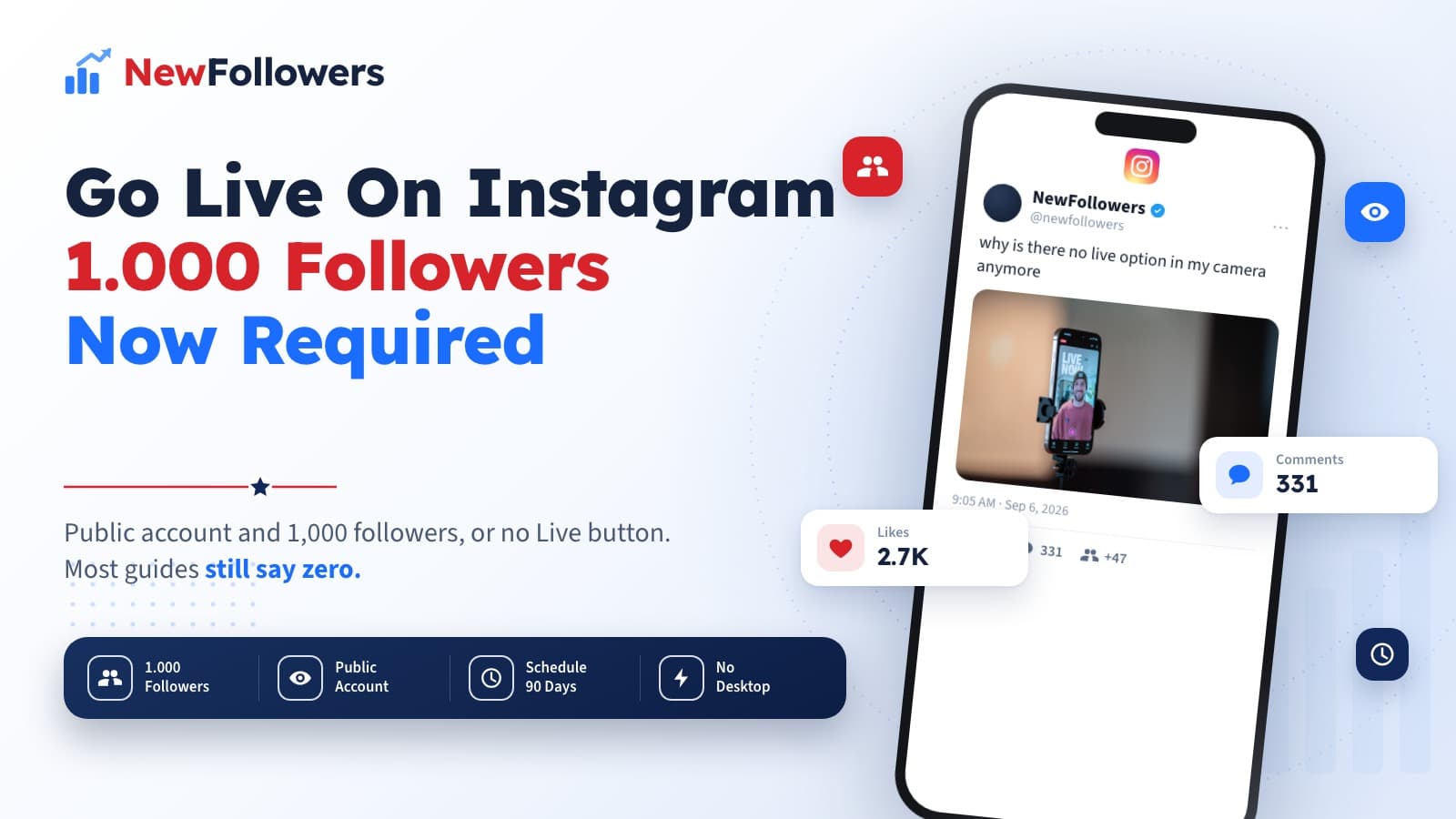
Instagram's own Live help page states it plainly: only Instagram users who have a public account with 1,000 followers or more will be able to start a Live broadcast.
Two conditions, both required. The account has to be public, and it has to have at least a thousand followers.
This matters because for most of Instagram Live's existence there was no gate at all, and a large amount of published advice was written in that era. If you have opened the camera, swiped through the modes, and found no Live option, this is almost certainly why. Nothing is broken and there is no setting to switch on.
What blocks the Live option:
Teen Accounts Work Differently
Instagram states that the ability to broadcast live is off by default for Teen Accounts.
Teens under 16 need a parent or guardian's permission to turn it on. Teens aged 16 to 17 can turn it on themselves without permission.
This is separate from the follower requirement rather than instead of it, so a teen account still needs the public account and the 1,000 followers on top of having the ability enabled.
What You Need Before the Button Appears
Requirements on one side, the broadcast itself on the other.
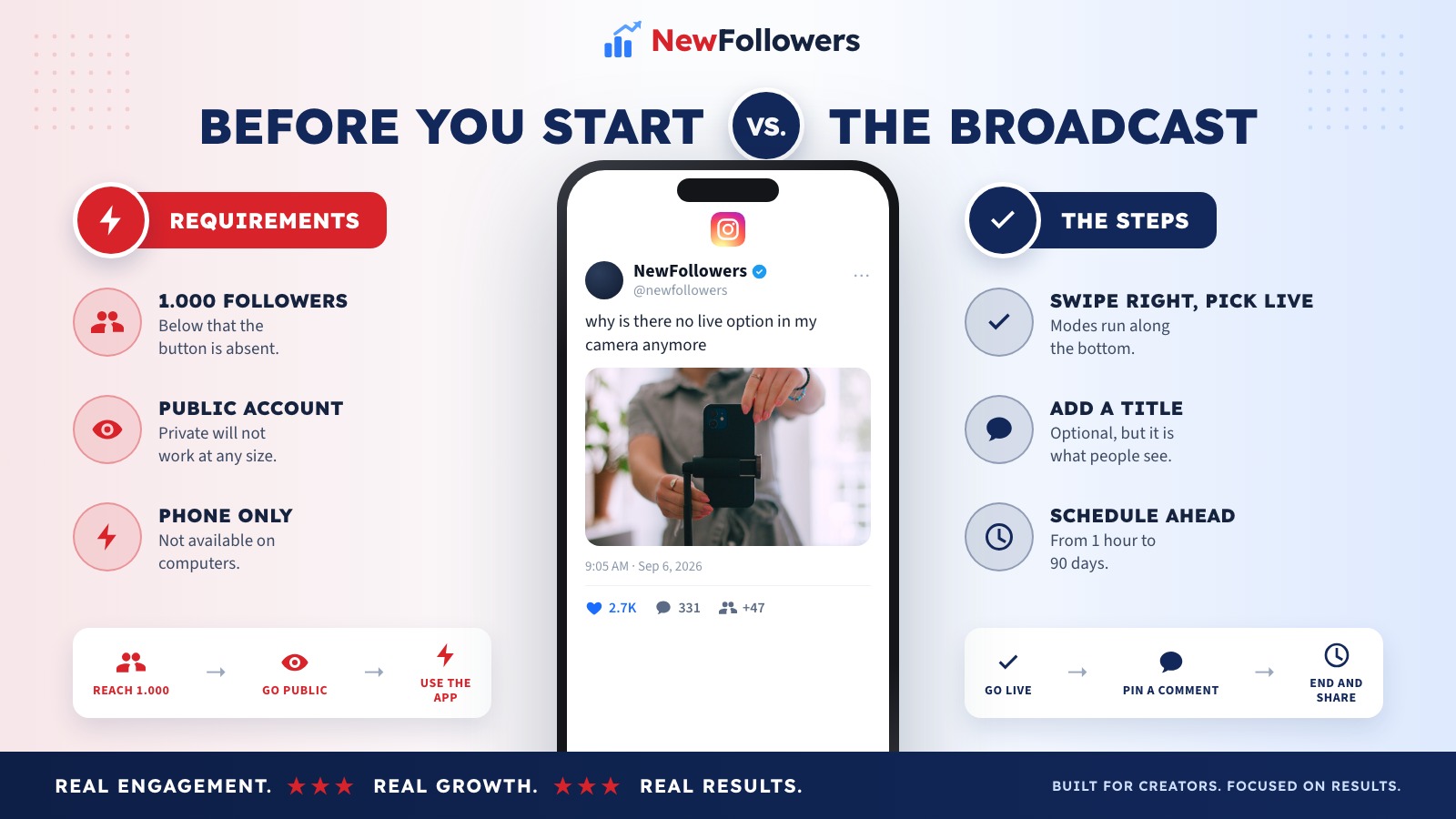
Before you can start
Once you are in
The left column is the part you cannot shortcut. The right column takes about ten seconds.
The Steps
Assuming the requirements are met, this is the whole flow.
Open the camera. Swipe right anywhere in Feed. The capture modes run along the bottom; scroll to Live.
Add a title, if you want one. Tap Add a title, type it, tap Done. Optional, but it is what appears to people deciding whether to join.
Tap Go live. That is the broadcast started.
Watch the two edges. The number of viewers appears at the top of the screen. Comments appear at the bottom, and you can add your own by tapping Comment.
Pin what matters. Tap a comment, then tap Pin comment, and it stays visible to everyone. Useful for a question you are answering or a link you keep repeating out loud.
End it. Tap Close in the top right, then End Now to confirm. Then tap Share if you want the replay on your profile.
Scheduling Ahead
Instagram supports scheduling a live broadcast from 1 hour to 90 days in advance.
This is the single most underused feature in the whole flow. A live broadcast that nobody knows about competes with everything else in the feed at that exact moment. A scheduled one gives people a reason to come back at a specific time, which is the only reliable way to have an audience waiting when you start rather than trickling in over the first ten minutes.
What a Saved Replay Keeps
Worth knowing before you rely on one.
Instagram states that when you save your live broadcast to your profile or download it from Live Archive, only the broadcast is saved, and not things like comments, likes and viewers.
So the replay is the video and nothing else. If the comments were the good part, which on a question-and-answer broadcast they usually are, they do not survive. Anything from the chat you want to keep has to be captured while the broadcast is running, or read aloud so it lands in the recording itself.
Getting to 1,000
The requirement is the actual obstacle for most people searching this, so it deserves more than a shrug.
Post the format that reaches non-followers
Reels are shown to people who do not follow you. Feed posts largely are not. If the follower count is the blocker, this is the lever.
Give the profile a reason in five seconds
Everything above sends people to your profile, and the profile decides. A clear subject, a bio that names it, a pinned post that demonstrates it.
Build on saves and shares
Both push a post past your existing audience. Content that explains something, or that someone would send to a friend, earns them. Content that only looks good does not.
Comment by hand in your niche
Twenty minutes a day of real replies puts you in front of the right people and triggers nothing automated. Bot tools that automate exactly this are what get accounts restricted.
Treat 1,000 as a content milestone
It is not an arbitrary vanity number any more, it is a feature gate. That makes it worth aiming at deliberately rather than waiting for it to arrive.
Why Consider NewFollowers?
The only section here selling anything.
The 1,000-follower requirement is precisely the kind of threshold NewFollowers gets bought for: a specific number standing between an account and a feature. Orders are placed with a username, never a password, delivery is spread over time rather than arriving at once, prices are shown before checkout on the Instagram page, and losses are covered for 30 days.
Two things worth being straight about. Buying followers breaks Meta's Spam policy, which prohibits buying, selling and exchanging engagement, and that is true regardless of how the delivery is handled. And a broadcast that unlocks at 1,000 still needs people who want to watch it, which purchased accounts are not. Crossing the line and having an audience on the other side are different problems.
Common Mistakes
Assuming Live is available to everyone
It requires a public account with 1,000 followers or more. The button is simply absent below that.
Looking for it on a computer
Instagram states the feature is not available on computers.
Going live unannounced
Scheduling works from 1 hour to 90 days ahead, and an audience that knows in advance is the difference between a room and an empty one.
Expecting the replay to keep the chat
Only the broadcast is saved. Comments, likes and viewers are not.
Forgetting the account has to be public
The follower count gets all the attention, but private accounts are excluded at any size.
Assuming a teen account just works
It is off by default, and under-16s need a parent or guardian's permission on top of the other requirements.
Final Thoughts
The steps for going live on Instagram are trivial: swipe right, scroll to Live, add a title, tap Go live. What changed is who gets to see that button, and Instagram's requirement of a public account with 1,000 followers or more is now the whole story for anyone below it.
If you are over the line, the details worth remembering are that scheduling runs from 1 hour to 90 days ahead, that pinning a comment keeps it visible, and that a saved replay is video only.
If you are under it, the follower count is the thing to work on, and the honest route is the format that reaches people who do not follow you yet. For how the other platforms set their live thresholds, the cross-platform breakdown covers TikTok, YouTube, Facebook, Twitch and X.
Frequently Asked Questions
How many followers do you need to go live on Instagram?
1,000. Instagram states that only users who have a public account with 1,000 followers or more can start a Live broadcast. This is a change from the years when any account could go live, and most guides still have not caught up.
Can you go live with a private account?
No. Instagram specifies a public account alongside the 1,000-follower requirement, so both conditions have to be met.
How do I start a live broadcast?
Swipe right anywhere in Feed, then scroll to Live at the bottom. Tap Add a title if you want one, enter it and tap Done. Then tap Go live at the bottom.
Can I go live from a computer?
No. Instagram states the feature is not available on computers. It lists help for the Android and iPhone apps only.
Can teens go live on Instagram?
Not by default. Instagram states the ability to broadcast live is off by default for Teen Accounts. Teens under 16 need a parent or guardian's permission to turn it on, and teens aged 16 to 17 can turn it on themselves.
Can I schedule an Instagram Live?
Yes. Instagram states a live broadcast can be scheduled from 1 hour to 90 days in advance.
How do I pin a comment during a live?
Tap the comment, then tap Pin comment. Instagram describes this as making it easier for viewers to see. Comments appear at the bottom of the screen and the viewer count at the top.
What happens when I end a live broadcast?
Tap Close in the top right, then tap End Now to confirm. From there you can tap Share to share the replay to your profile, or leave it in your Live Archive.
Does a saved replay keep the comments?
No. Instagram states that when you save a broadcast to your profile or download it from Live Archive, only the broadcast is saved, and not things like comments, likes and viewers.
Can I bring someone else into my live?
Yes. Instagram documents inviting guests to join a live broadcast, so you can host someone alongside you rather than streaming alone.
Ready to Grow Your Social Media?
Real followers, instant delivery, 30-day refill guarantee. Pick your platform: